

myS1 CRM
Know every customer's whole story, and what to do next
myS1 CRM puts your companies, contacts, pipeline and history in one place your whole team works from, and tells each person what to do next.
Where myS1 CRM meets the record line
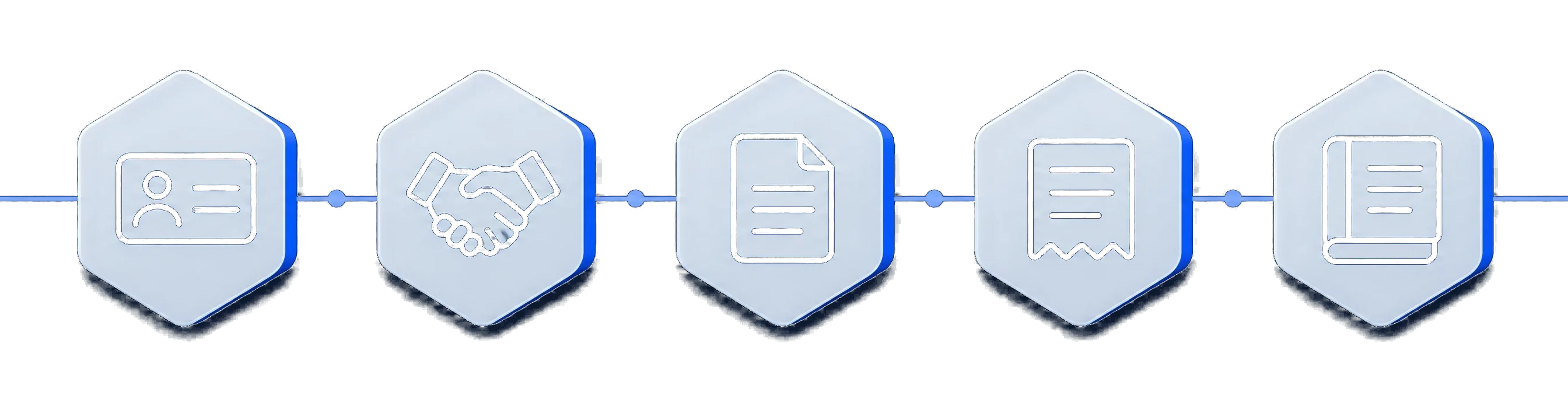
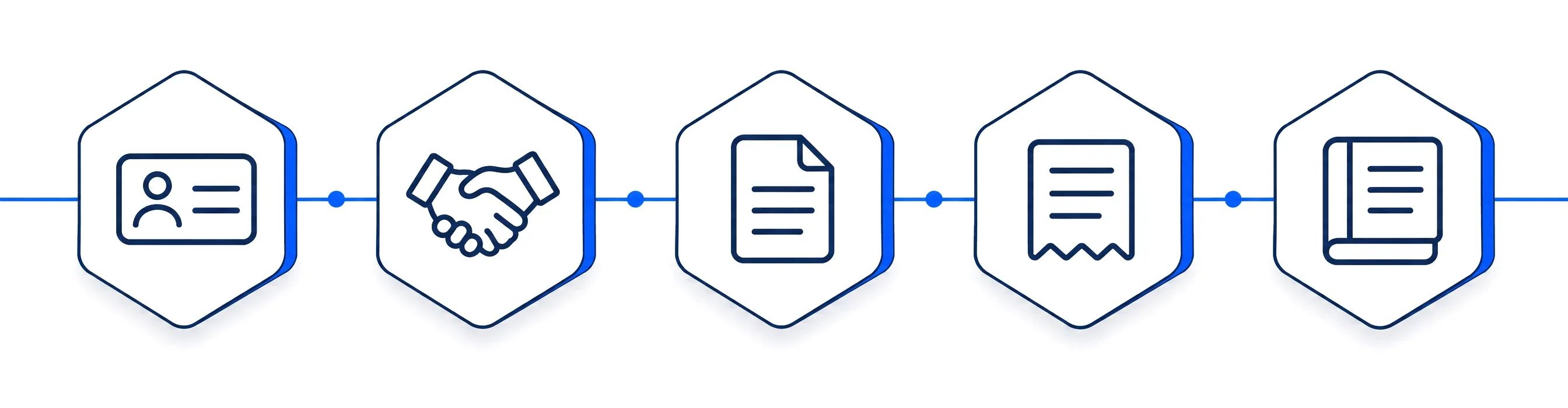
- ContactA company and a person
- DealOn your pipeline
myS1 CRM This page
- QuotePriced from the catalogue
Start the quote from the deal. Sending it sets the deal's quoted value, and the customer's yes sets its accepted value.
- InvoiceFrom the accepted quote
- StatementWhat is still owed
Every deal shows its invoices, and every company shows its invoices and statements, so sales can see who has paid.
Everything about a customer lands on one timeline
Most sales teams run on memory, inboxes and a spreadsheet nobody trusts. myS1 CRM replaces all three. Every company, contact and deal has its own page, and everything that happens with them lands on one timeline, so the state of a customer is something you read, not something you ask around for.
Your salespeople start the day in My Day, which ranks the next step on every deal they own. Managers get an overview with momentum per pipeline, a forecast by commit, best case and pipeline, and quotas with attainment per person or team. Nobody builds a report on a Friday afternoon to find out how the month is going.
And it bends to the way you sell. Your own fields, your own pipelines and stages, rules for what a deal needs before it moves on, and saved views for the lists you open every morning: all of it changed from the settings, by you.


What myS1 CRM does
- See your pipeline the way you think
- Drag deals across a board, work them as a table, or open the at-risk view to see which ones need you today. Run a separate pipeline for every way you sell, each with its own stages and win probabilities.
- Start every day knowing what to do
- My Day ranks the next step on every open deal: what is overdue, what is due today, and which deals have no next step at all.
- Never ask what happened with a customer
- Calls, meetings, tasks and notes sit on one timeline against the company, the contact and the deal, so anyone can pick up where a colleague left off.
- Deals that go quiet get noticed
- myS1 flags deals that have gone stale, cold or dormant, on thresholds you set, before they are lost to neglect.
- A forecast you can stand behind
- A manager overview, reports on stage conversion, time in stage, win and loss reasons and activity per rep, a forecast by commit, best case and pipeline, quotas with attainment, and a weekly pipeline digest by email.
- Bring your data in without the cleanup
- Import companies, contacts, deals and activities from CSV or Excel with column mapping, a preview, duplicate handling and undo. Export any list or view when you need it out.
- One customer, one record
- myS1 warns you when a new record looks like one you already have, and merges duplicate contacts or companies with a one-click undo.
- Change a hundred deals at once
- Select the deals and assign an owner, move them to a stage, set the forecast or mark them lost in one action.
- Nothing is ever really lost
- Deleted records go to a recycle bin and come back with their links intact. Every record keeps a history of who changed what.
Make myS1 CRM work the way you do
Your sales process is yours. Change myS1 CRM to match it from the settings, with no developer and no waiting for us.
- Your own fields
- Add fields to companies, contacts, deals and activities, from text and currency to dates and multi-select. Make each one required, unique, searchable or shown in the table.
- Your own dropdowns
- Edit the lists your team picks from, such as industry, source, lifecycle status and activity type, each with its own colours.
- Your own views
- Save any search, filter and sort as a view, keep it to yourself or share it with the team, and set your own columns, order and density on every table.
- Your own pipelines and stages
- Create as many pipelines as you need. Give each stage its win probability, its colour and how long a deal may sit there before it is flagged.
- Your own rules
- Say what a deal must have before it leaves a stage and before it enters the next. Only the people you choose can override a rule, and every override is recorded.
- Your own page layouts
- Redesign the company, contact and deal pages by dragging sections and fields into place. Show different teams different layouts, and preview a page as any person before you publish it.
- Your own access
- Decide who sees every deal, only their own or their team's, and who may see banking and commercial detail.
How myS1 CRM works with the rest of myS1
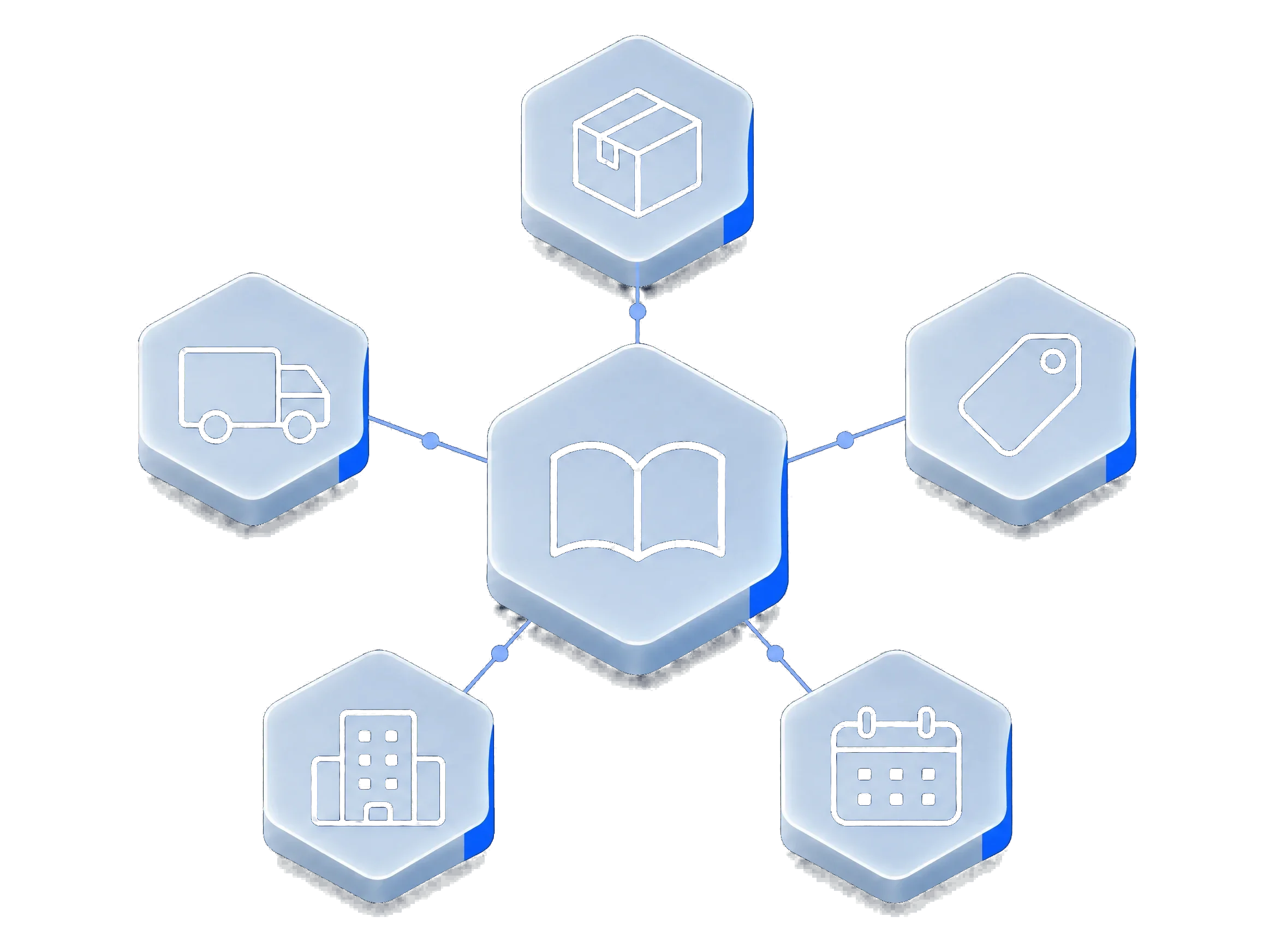
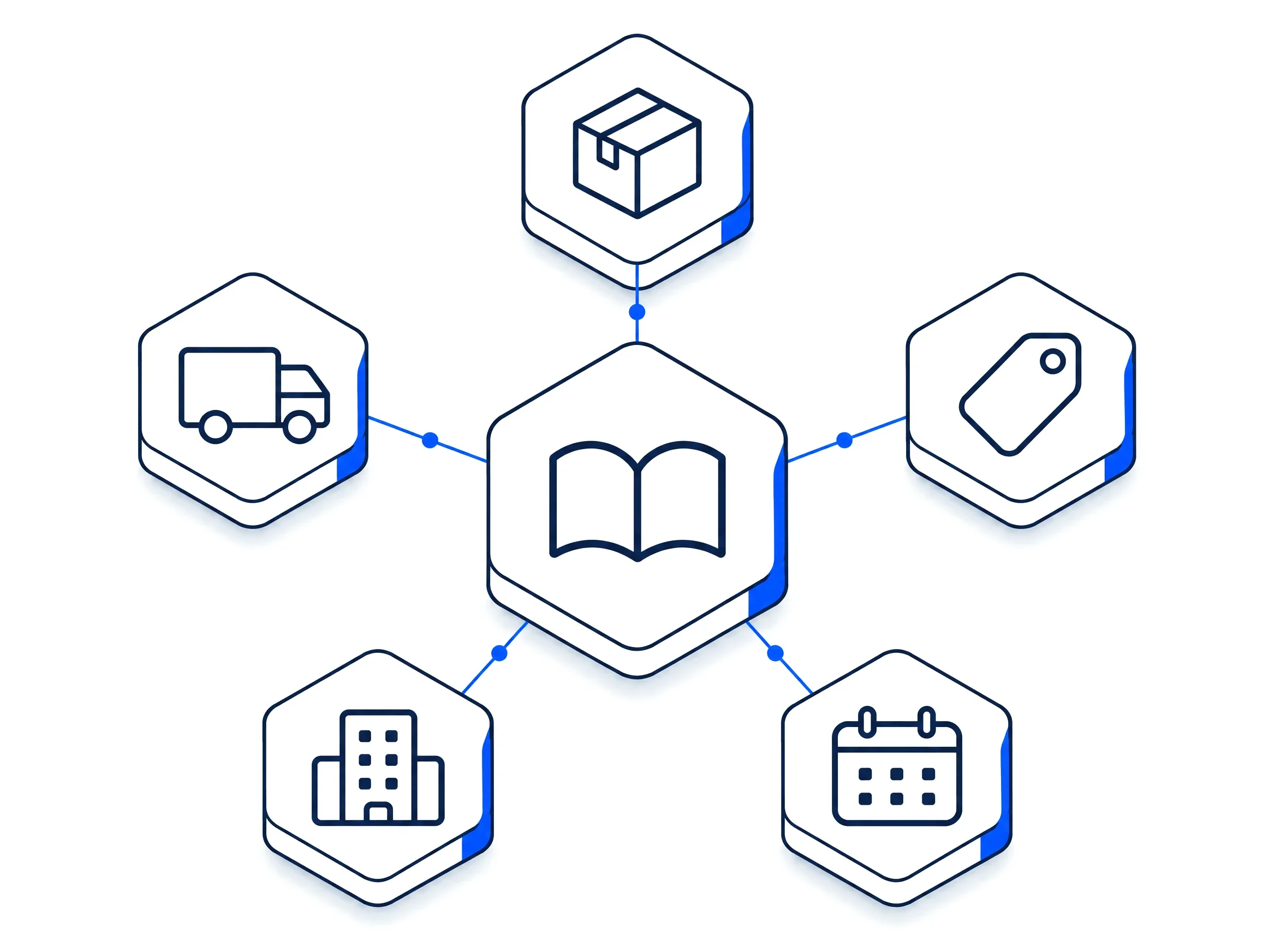
myS1 Catalogue
Give a customer its own price list for a date range, and see what each supplier offers on its company record.
myS1 Quotes
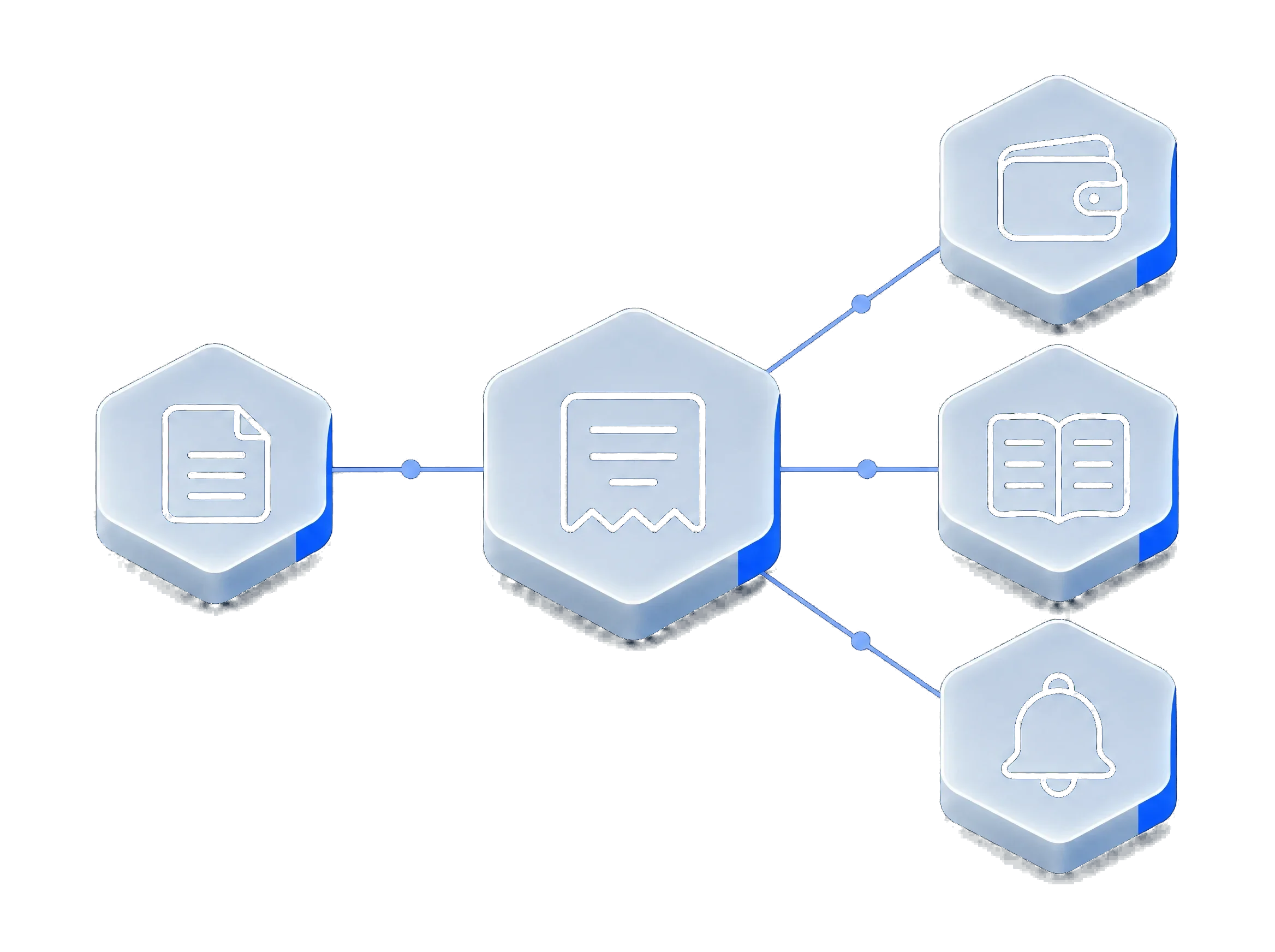
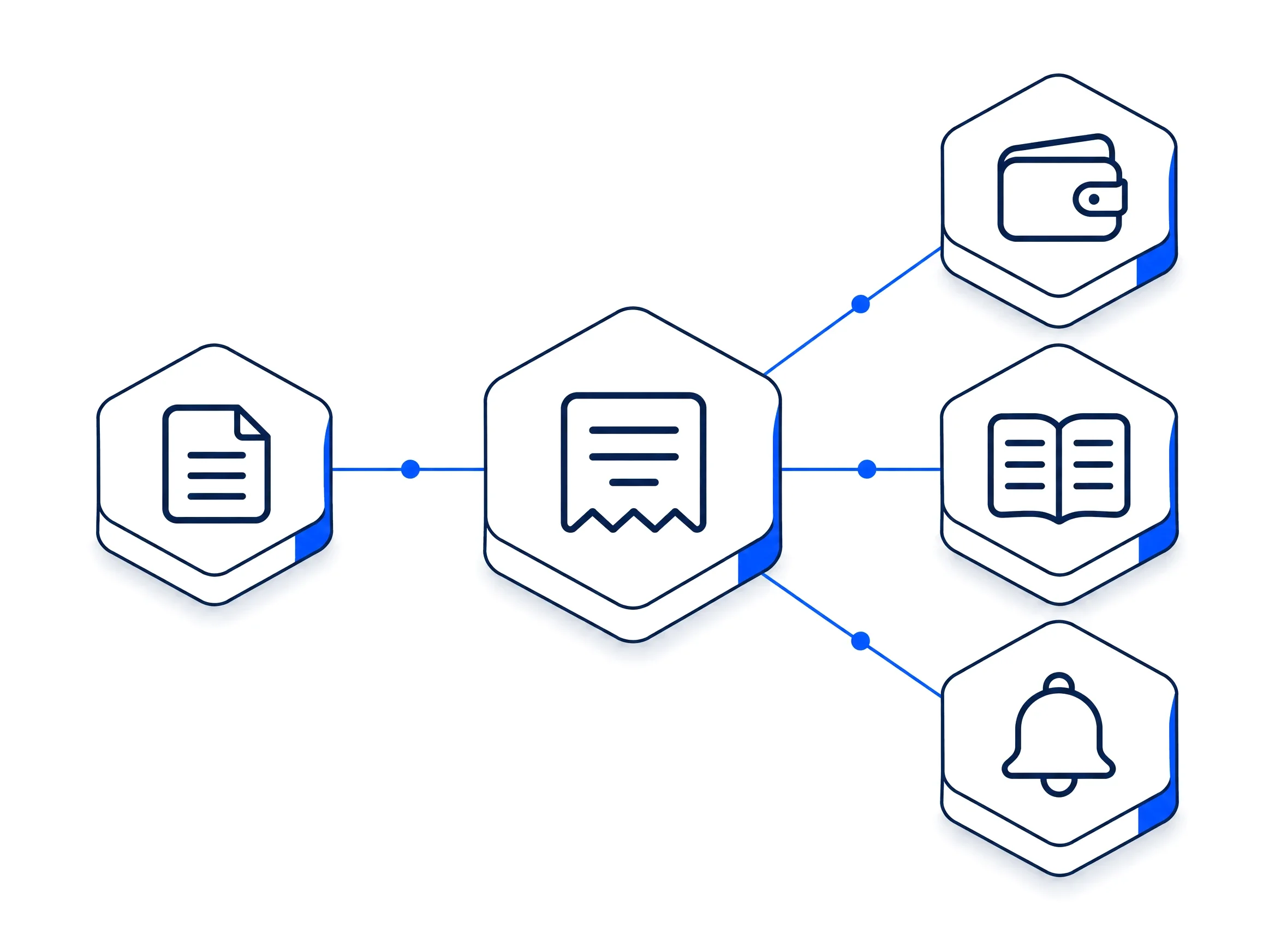
Start the quote from the deal. Sending it sets the deal's quoted value, and the customer's yes sets its accepted value.
myS1 Invoicing
Every deal shows its invoices, and every company shows its invoices and statements, so sales can see who has paid.
myS1 Automations
Anything that happens in the CRM can start an automation, and automations write back tasks, notes, owners and deal updates.


myS1 Email Studio
Send a selection of contacts straight to Email Studio. When someone unsubscribes, their contact record shows it.
Explore the other modules in myS1
- myS1 CatalogueItems and dated price books
- myS1 QuotesAccepted online by link
- myS1 InvoicingInvoices and statements
- myS1 Email StudioCampaigns and journeys
- myS1 AutomationsWorkflows with approvals
- Ask OttoThe AI assistant in myS1
- Personas and dashboardsA home screen per role
- Every moduleAll of them on one page