
myS1 Email Studio
Email your customers from the system that already knows them
Design it, send it and follow it up in myS1 Email Studio, to the customers already in your CRM, with unsubscribes handled for you.
Campaigns and journeys, with unsubscribes handled for you
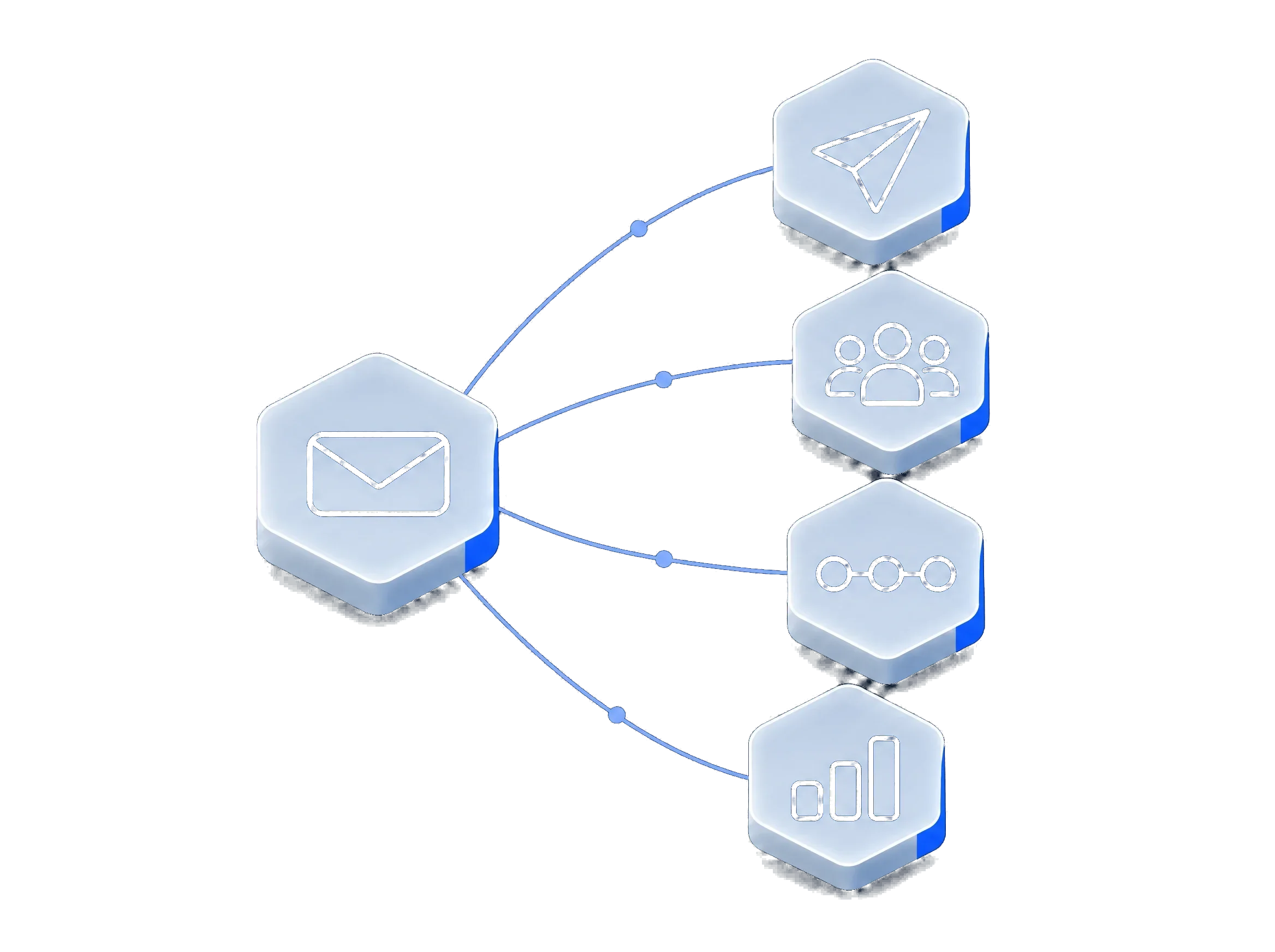
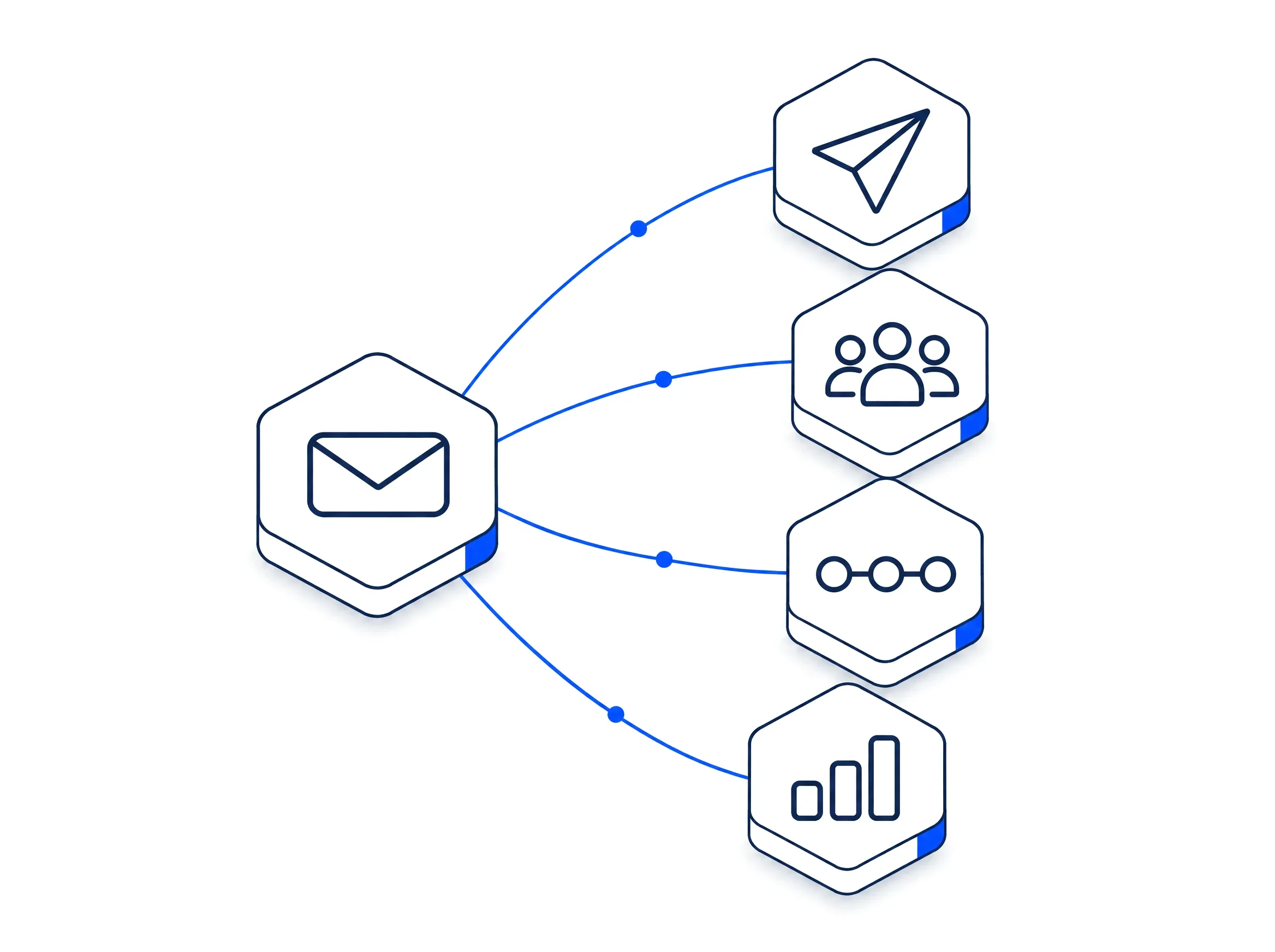
Your customer list is already in myS1. Email Studio lets you write to it: newsletters, announcements, and the follow-up sequences that turn interest into a conversation. You design the email by dragging blocks into place, choose who gets it, and send it now or on a schedule.
Journeys send a series of emails to everyone on a list, one step after another, and campaigns can test two versions against each other so you learn what your customers respond to.
The compliance work is built in. Every marketing email has a one-click unsubscribe, and anyone who unsubscribes or bounces is kept out of future sends without you keeping a list by hand.
What myS1 Email Studio does
- Emails that look designed
Build each email from blocks in a drag-and-drop editor, starting from a ready-made template or a blank page, in the colours set in your Branding Engine.
- A list in seconds
Build a list by hand, paste in addresses, or import a whole CSV in one go.
- Send now, later, or test first
Send a campaign straight away or schedule it, and test two versions against each other to see which one works.
- Follow-ups that send themselves
Enrol a list in a journey and its emails go out one step after another, without anyone pressing send.
- Stay on the right side of the law
Every marketing email carries a one-click unsubscribe. Anyone who unsubscribes or bounces is kept out of future sends automatically.
- Know what worked
See opens and clicks for every campaign, with the automated opens from mail scanners filtered out, so the numbers are real.
- Arrive at a sensible hour
Set your sending hours, weekdays only if you like, and myS1 holds a send until your customers are at their desks.
Make myS1 Email Studio work the way you do
Your emails should sound and look like you. Set your blocks, your sending rules and your approvals once.
- Your own templates and blocks
- Save the blocks you reuse, such as your header, your sign-off and your offers, and drop them into any email. Every template keeps its version history.
- Your own sending rules
- Choose your sending hours and days, and how sure an A/B test must be before a winner is called.
- Your own segments
- Build segments from who opened, who clicked and which lists people belong to.
- Your own views
- Save your views of campaigns, templates, lists and segments, and share them with the team.
- Your own approvals
- Decide who may write an email, who may publish it and who may press send.
How myS1 Email Studio works with the rest of myS1
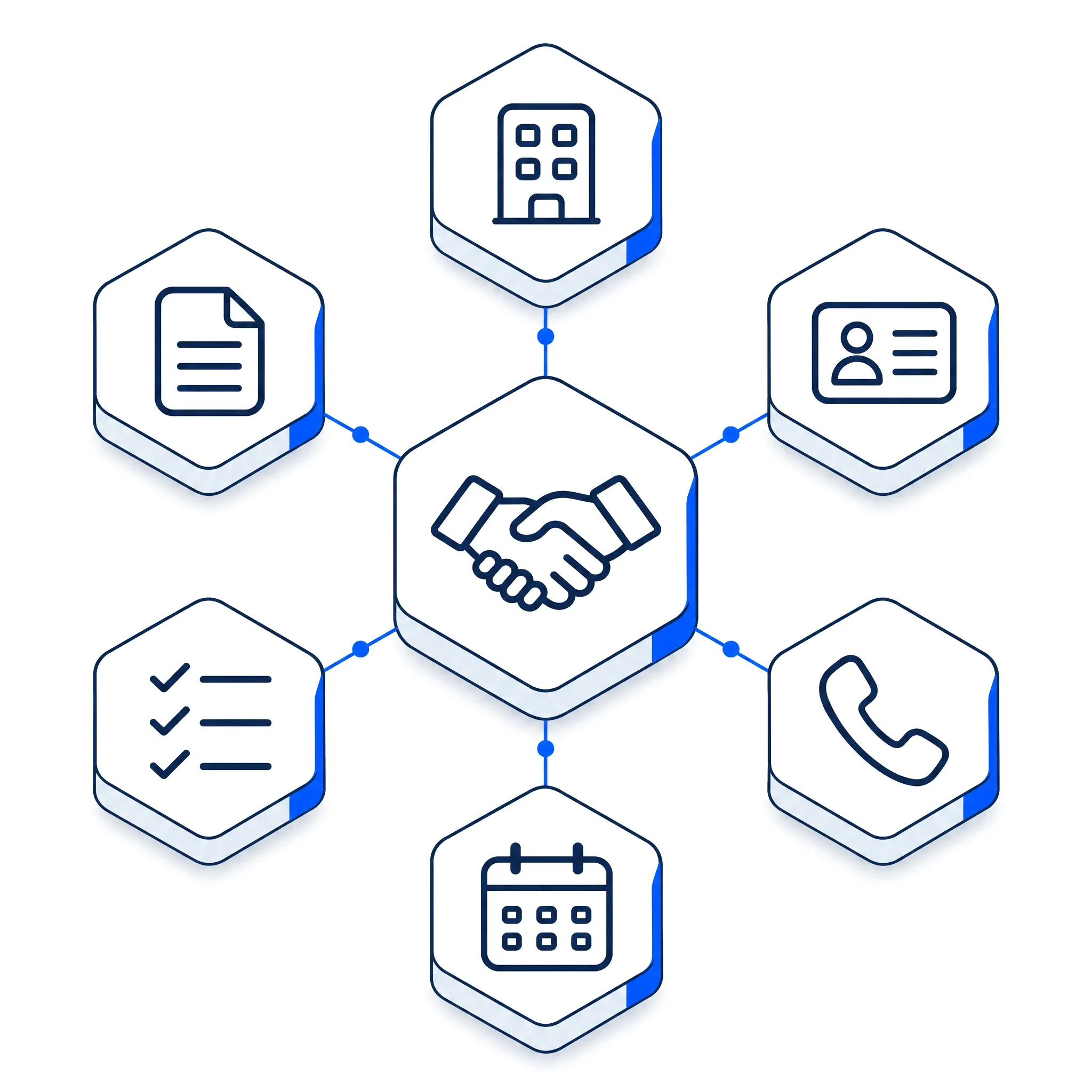
myS1 CRM
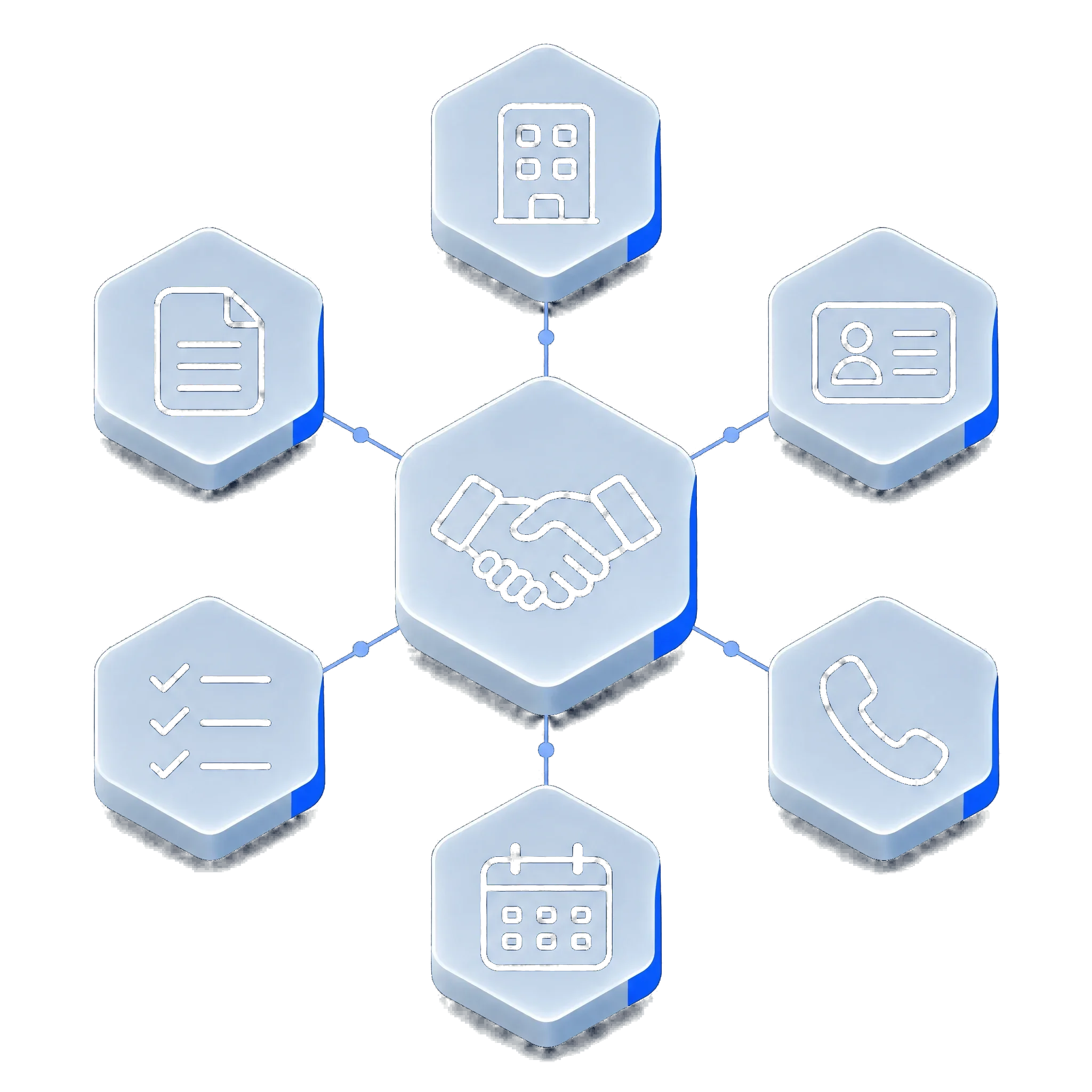
Send a selection of CRM contacts to Email Studio in a couple of clicks. When someone unsubscribes, their contact record shows it.
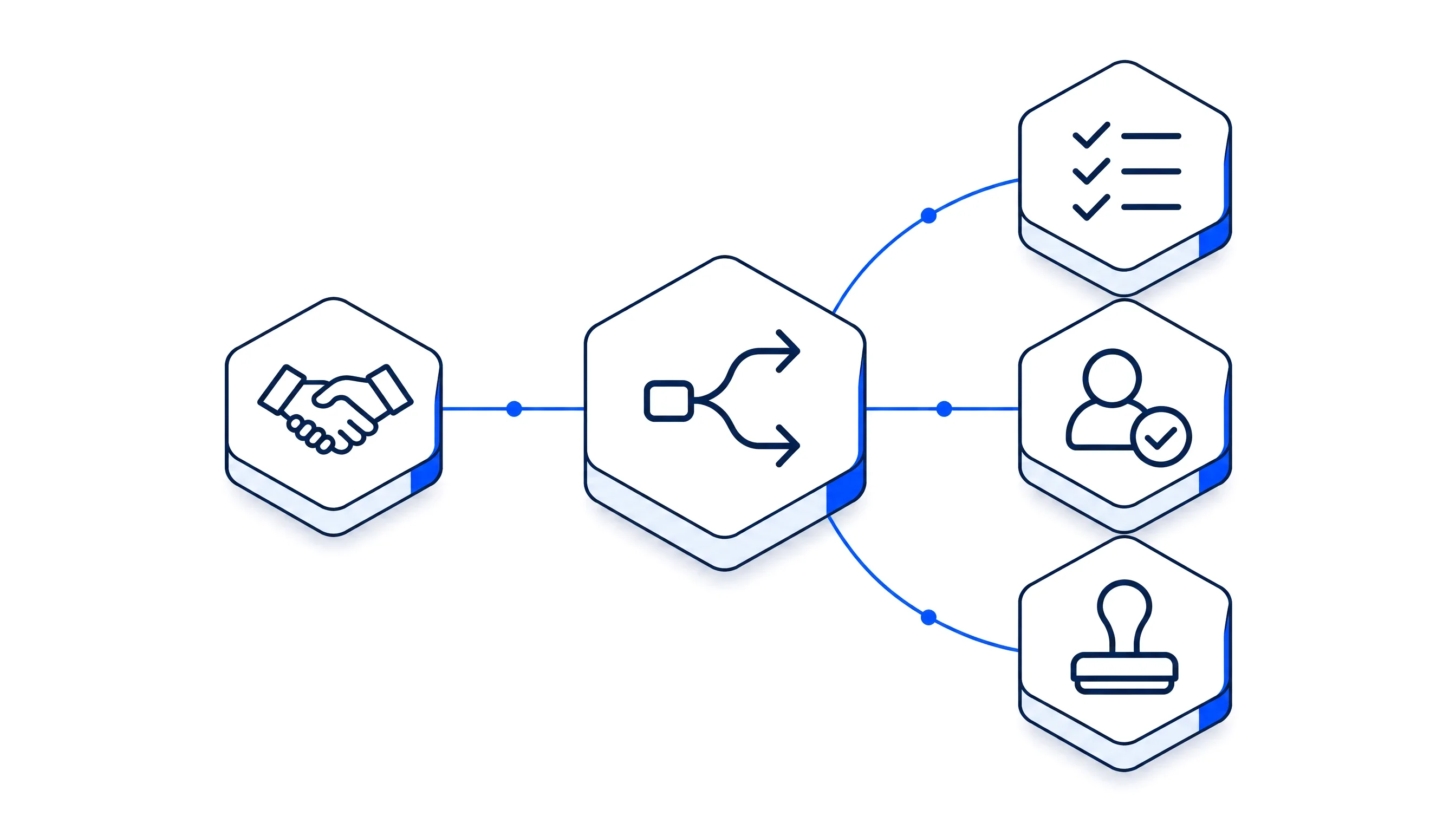
myS1 Automations
An email being sent, opened, clicked or bounced can start an automation, so a click can become a task for sales.
Explore the other modules in myS1
- myS1 CRMCompanies, contacts and deals
- myS1 CatalogueItems and dated price books
- myS1 QuotesAccepted online by link
- myS1 InvoicingInvoices and statements
- myS1 AutomationsWorkflows with approvals
- Ask OttoThe AI assistant in myS1
- Personas and dashboardsA home screen per role
- Every moduleAll of them on one page